
If you’re starting a blog, running social media, or working as a web developer or designer, understanding H1, H2, H3, and Alt tags is a must. These are SEO basics, and they play a huge role in how your website ranks on Google, Bing, and AI search engines.
When used properly, these tags make it easier for search algorithms to understand your landing page, service page, contact page, and blog posts. That’s how you increase your chances of showing up in top search results.
Why Headings Matter for SEO
Headings aren’t just for making your content look nice. They tell search engines exactly what your content is about.
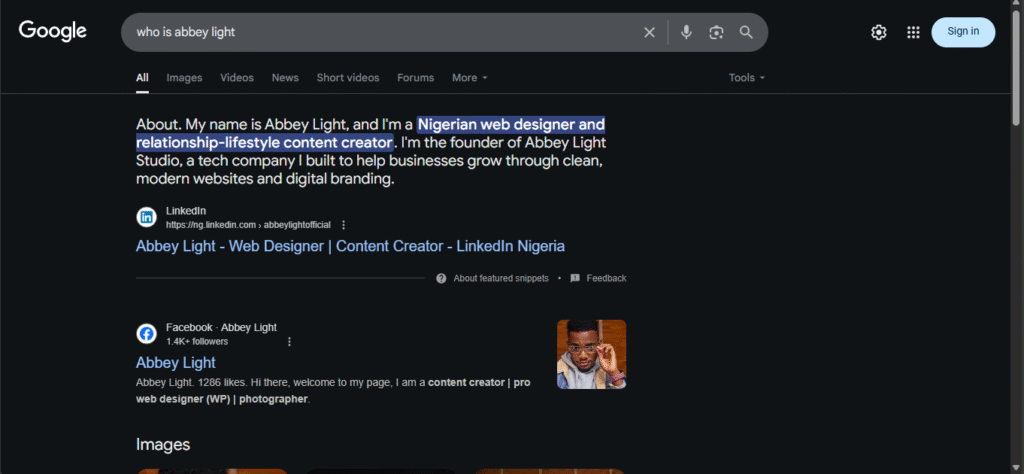
For example, when I searched my name “Abbey Light” on Bing and Google, both platforms pulled information directly from my website. Why? Because I used proper heading tags.
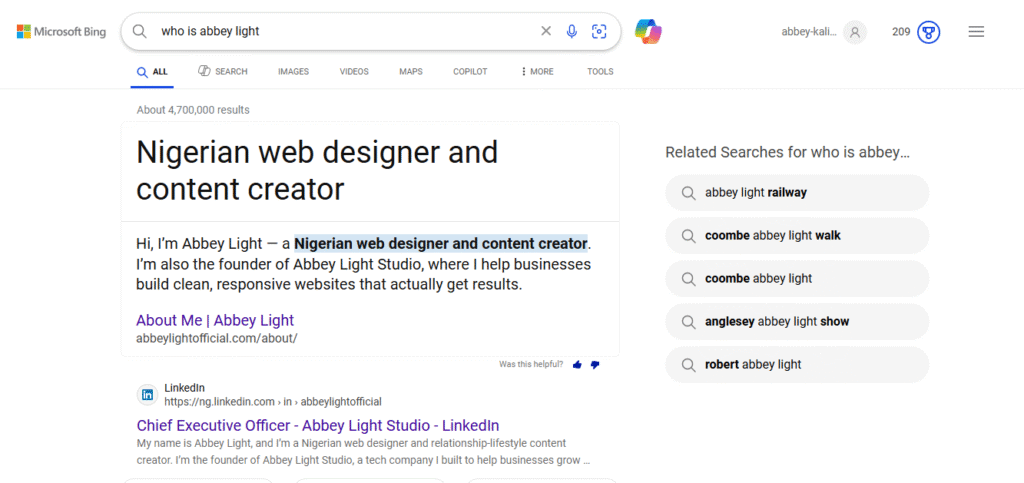
I also added a little schema information, which made Bing and Google understand my content even better.
Understanding H1, H2, and H3 Tags
Think of your website like a house:
- Domain name = the street name
- H1 tag = the name of the house (main identity)
- H2 tags = the owner of the house (manages the sections inside)
- H3 tags = the furniture (details that describe the content)
This simple structure helps search engines clearly read your content.

What is an H1 Tag?
The H1 tag is the title of your page or blog. It’s the most important heading and controls the structure of everything else on the page.
- It tells search engines what the page is about.
- Every page should have only one H1 tag.
- Examples: blog titles, page titles like “About Us” or “Contact.”
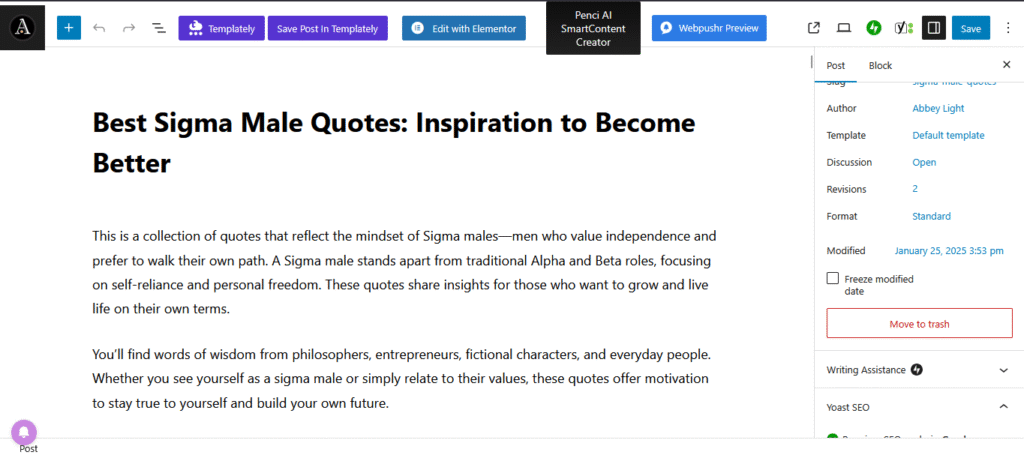
On WordPress, the H1 is added automatically. On Medium or LinkedIn, the first text is treated as a title. If you’re coding or using Figma, you’ll need to manually set the tag to H1 so the algorithm understands it.
What is an H2 Tag?
The H2 is a subheading that gives more detail under the H1.
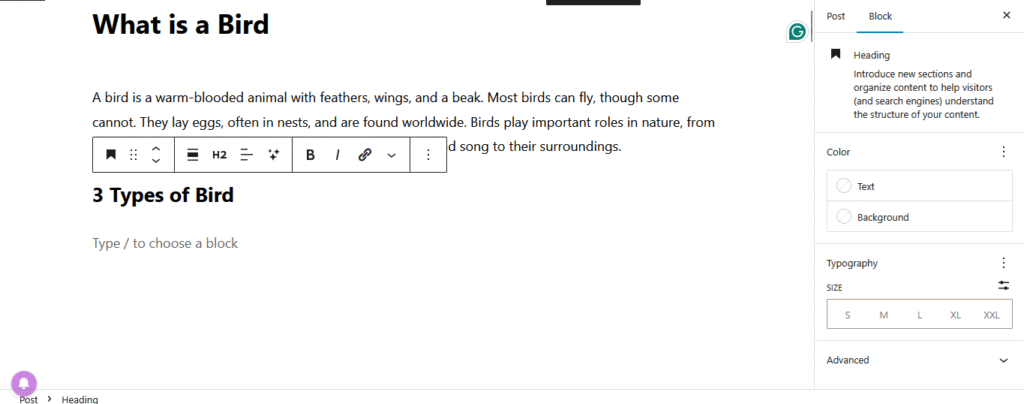
Example:
- H1: What Are Birds?
- H2: 3 Types of Birds
This tells search engines that your content goes deeper into the main title.
What is an H3 Tag?
The H3 tag provides details under the H2.
Example:
- H1: What Are Birds?
- H2: 3 Types of Birds
- H3: Canary, Robin, Eagle
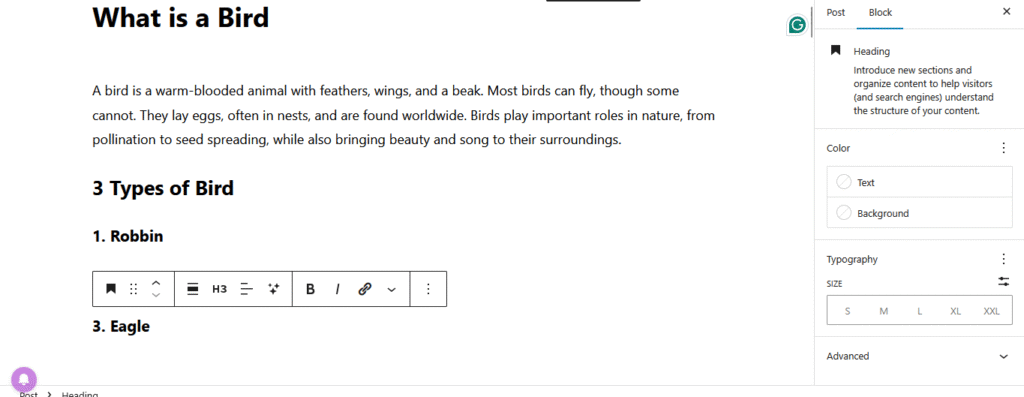
The algorithm now understands your content step by step.
What About the Alt Tag?
The Alt tag is different from heading tags. It’s used in images.
- Alt tags describe what’s in the image.
- They help search engines understand pictures on your website.
- They also improve accessibility for users who can’t see images.
Example: If you upload a picture of a bird, the Alt tag could be: “Yellow canary bird sitting on a branch.”
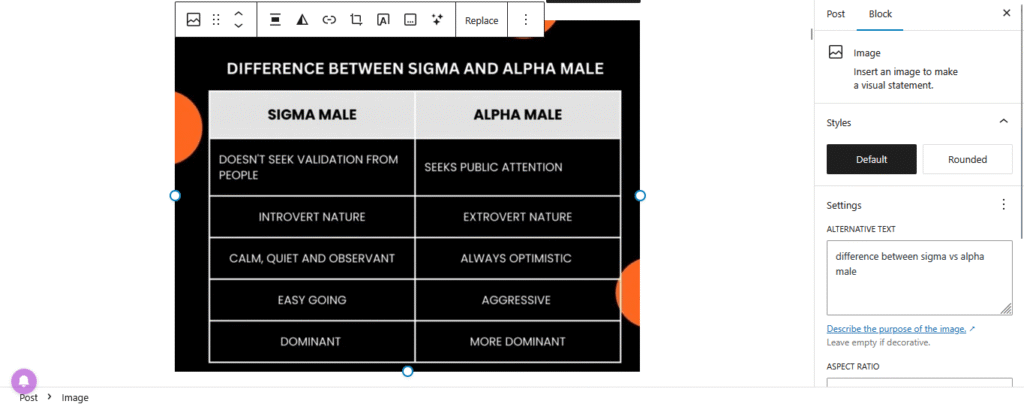
This way, Google Images and AI tools know exactly what the photo is about — and it can boost your visibility in image search results.
Body Content
Headings and Alt tags work best when you combine them with clear body text.
Example:
- H1: About Abbey Light
- Body: “Abbey Light is a web designer who helps people build user-friendly websites…”
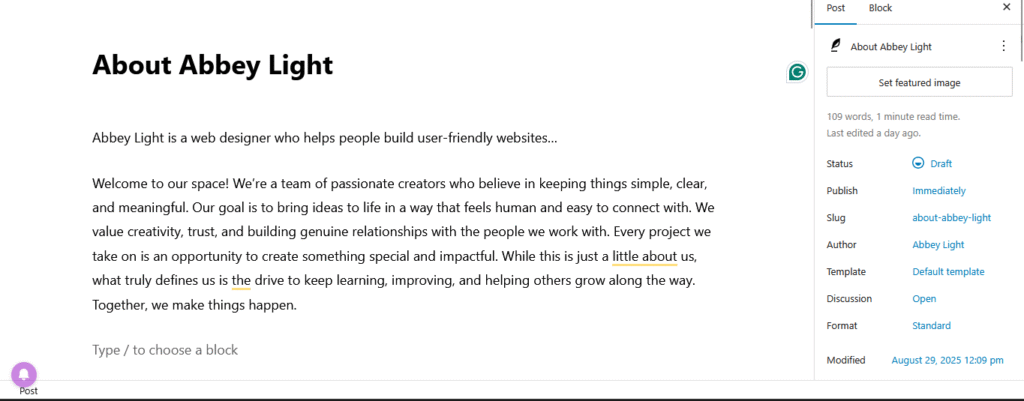
This balance makes your content easy for search engines and people to read.
Why This is Important
Many people talk about SEO, but they don’t explain how to actually set up headings and Alt tags so search engines understand your content.
If you use H1, H2, H3, and Alt tags correctly, you’ll:
- Improve your rankings on Google, Bing, and AI tools.
- Make your content more user-friendly.
- Help your audience and clients quickly understand your business.